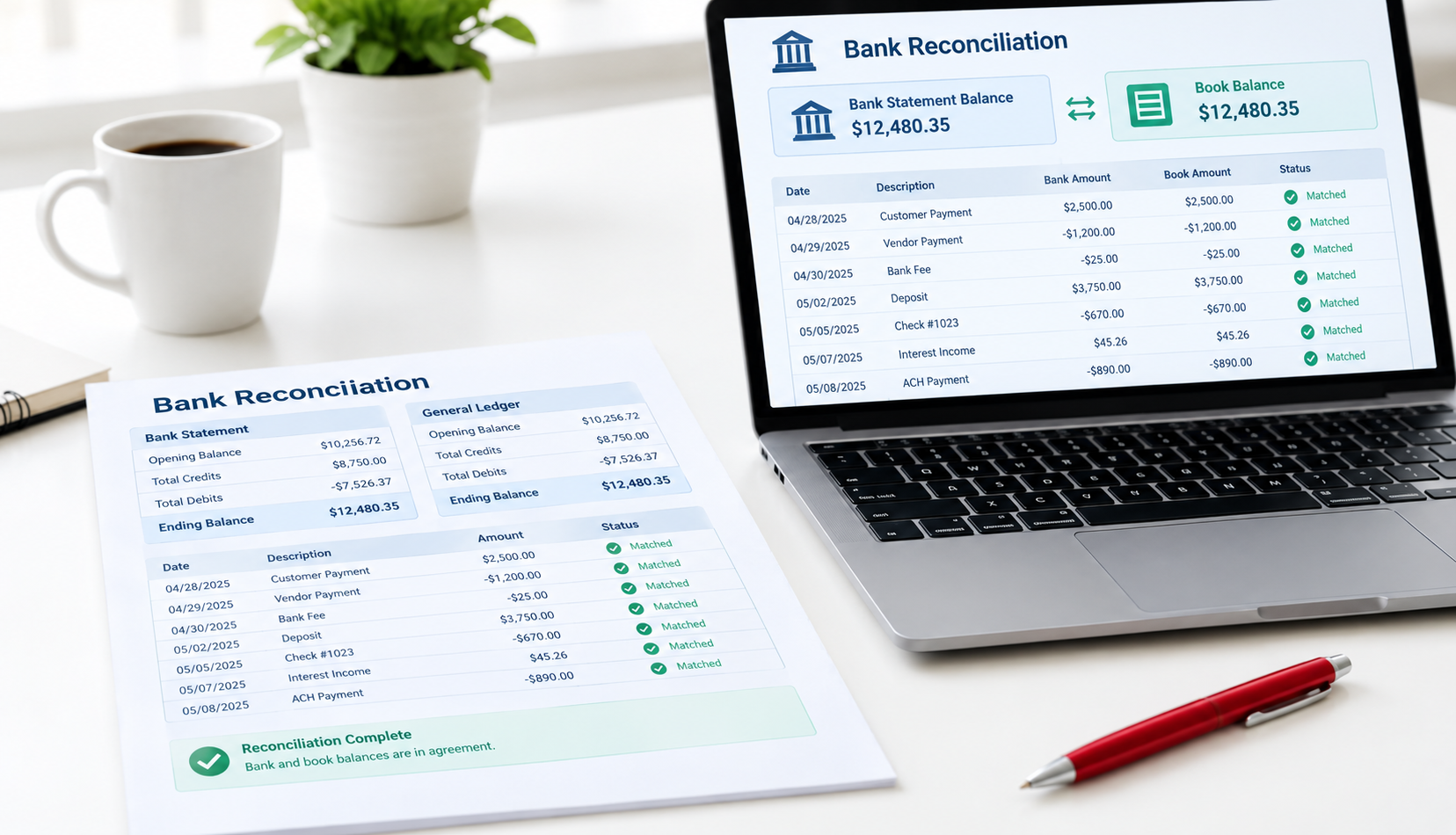
Your bank balance and your QuickBooks Online (QBO) balance should tell the same story. A bank reconciliation is how you prove they do. It takes a statement, a quiet half hour, and a repeatable routine. Here is the one we use at month-end for Canadian law firms, SaaS companies, e-commerce stores, and small agencies.
Why reconcile every month
A reconciliation confirms that every transaction in QBO actually happened at the bank, and that everything that happened at the bank is in QBO. Bank feeds help, but they can drop transactions, import items twice, or match to the wrong invoice.
Monthly matters because errors compound. One missed deposit in March is easy to trace in April. Found at year-end, it is a project. Clean, reconciled months also mean your profit and loss, cash forecast, and GST/HST returns are built on numbers you can defend.
What you need before you start
The bank or credit card statement for the month, showing the ending date and ending balance., All bank feed transactions categorized or matched in QBO., Last month’s reconciliation completed., A note of any outstanding cheques or deposits.
Step by step in QuickBooks Online
Open Reconcile and choose the account., Enter the statement ending date and ending balance exactly as shown., Compare the opening balance in QBO to the statement opening balance., Tick each transaction that appears on the statement., Monitor the Difference figure until it reaches 0.00., Select Finish now and save the reconciliation report.
Common reasons it won’t balance
Duplicate transactions., Missing bank feed transactions., Uncleared cheques or deposits., Incorrect opening balance., Transfers recorded incorrectly., Credit card payments recorded as expenses.
Tip: If the difference equals one transaction amount, look for a missing or duplicated transaction. If the difference is divisible by nine, two digits may have been transposed.
Month-end tips that keep it clean
Reconcile every bank, credit card, and loan account., Keep the statement PDF with the reconciliation report., Do not edit reconciled transactions., Reconcile before preparing your GST/HST return.
FAQ
How long does a monthly reconciliation take?
It depends on transaction volume and whether categorization is already complete. When bookkeeping is kept current, reconciliation is usually quick.
Can I reconcile without a bank statement?
No. The bank statement is the independent record that validates your bookkeeping data.
What if last month’s reconciliation was wrong?
Correct the prior reconciliation first. Review reconciliation reports to determine where the opening balance changed and fix the underlying transaction.
Want this handled for you?
Our CPA-supervised team keeps books current, filings on time and reporting predictable.