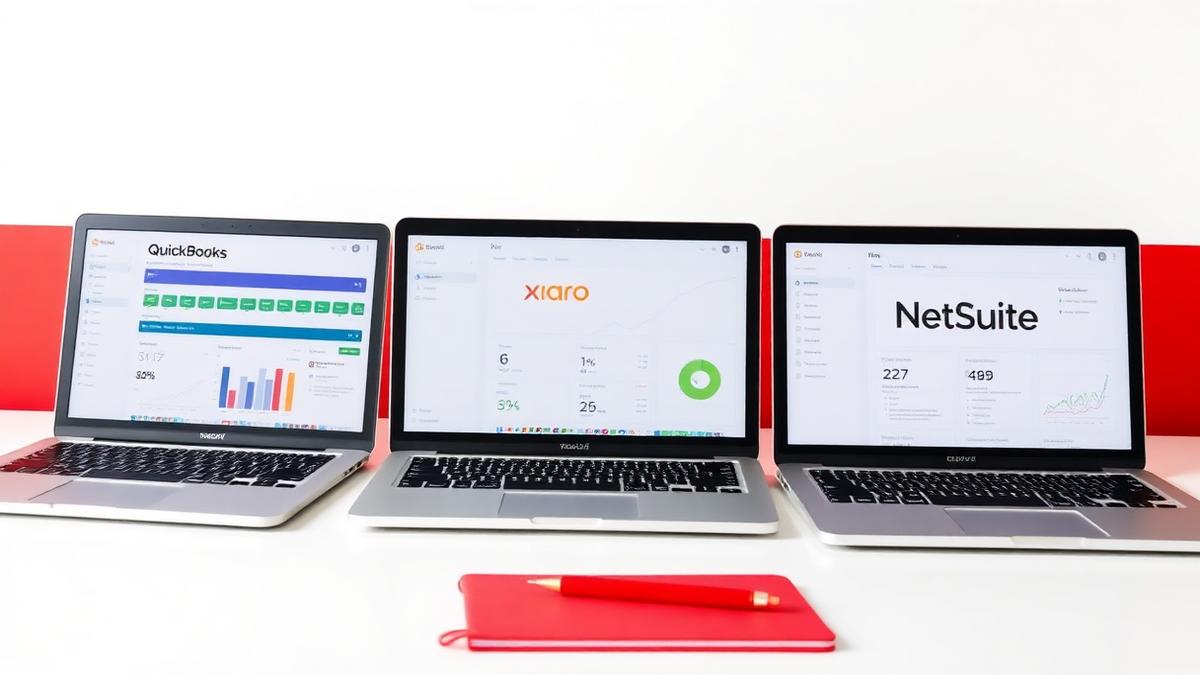
Canadian small and mid-sized businesses usually land on one of two cloud ledgers: QuickBooks Online (QBO) or Xero. Both can produce clean books, both connect to Canadian banks, and both can support GST/HST. The wrong choice is rarely software failure. It is usually a mismatch between how you sell, how you file sales tax, and how your bookkeeper closes the month. This guide compares the practical differences that matter in Canada.
Start with the work, not the logo
Pick the system around the work you already do. A professional-services firm with a simple chart of accounts and monthly GST/HST remittances has different needs than a product business with inventory, landed costs, and multi-province sales tax. Ask three questions before you compare price plans: How many bank and credit-card accounts must reconcile every month? Do you need inventory tracking that affects COGS, or is a periodic inventory schedule enough? Will you run Canadian payroll inside the ledger, through a connected payroll app, or outside the books entirely?
Remote Books supports clients on both QBO and Xero across Canada and the United States. Canadian T1 and T2 work stays Canada-only. We do not prepare U.S. income tax returns. The ledger should make that reporting rhythm easier, not create a second set of spreadsheets beside it.
GST/HST and sales tax coding
Sales tax is where Canadian setups diverge fastest. In QBO, you configure GST/HST rates and filing frequencies, then code every sale and bill to the right tax code so the liability account ties out before you file. In Xero, tax rates and tax reports play a similar role, with strong defaults for GST/HST when the organization is set to Canada.
Either platform fails the same way when staff use the wrong tax code, leave tax as "No Tax" on taxable purchases, or dump everything into an Uncategorized bucket until month-end. The software does not fix coding discipline. Before you switch or renew, confirm that your filing frequency is set correctly, input tax credits are tagged to the correct period, and your sales-tax liability account reconciles to the return draft every reporting period.
Bank feeds, rules, and the month-end close
Both QBO and Xero pull Canadian bank and credit-card feeds. Both let you build bank rules so recurring merchants post consistently. Month-end still depends on three habits: reconcile every account to the statement, clear Uncategorized and Suspense accounts before closing the period, and tie AR and AP aging to what customers and vendors actually owe.
QBO tends to feel familiar to North American teams already using Intuit products. Xero often stands out for multi-currency management, streamlined bank reconciliations, and a broad app marketplace. Neither advantage matters if reconciliations are consistently delayed. Choose the platform your reviewer can close accurately and on time.
Payroll, inventory, and reporting depth
Canadian payroll is rarely "built in and forget it." Many SMEs run payroll in a dedicated product and post journals into QBO or Xero. If you need payroll entries, remittance liabilities, and ROE-ready detail, map that workflow before you pick a ledger — do not assume the base subscription covers CRA remitter reporting the way a full payroll suite does.
Inventory is similar. QBO and Xero both offer inventory features on higher plans or via apps. Product businesses should test receiving, COGS, and returns on sample transactions before go-live. Reporting depth — profit and loss by class or tracking category, balance sheet integrity, and export for your CPA — matters more at year-end than during week one. Ask your bookkeeper which report pack they already produce for clients like you, and pick the system that matches that pack.
A practical way to decide this month
If your team already knows QBO, your CPA reviews QBO files regularly, and your integrated applications are built around Intuit, remaining on QBO will usually reduce training and migration costs. If multi-currency functionality and Xero-based advisory support are more important, choose Xero and invest in proper tax-code training from the beginning.
Do not migrate during a month-end close. Finish the current month in the old system, verify opening balances, review tax codes, and reconcile historical balances before going live. Conversions completed without reconciling GST/HST control accounts are one of the most common reasons businesses lose track of ITCs.
A simple decision framework is to list your accounts, tax filing frequency, payroll process, and inventory requirements on a single page. Ask your bookkeeper which platform they can close faster and more accurately for that profile. Test the bank-feed workflow and tax coding with real transactions before comparing subscription costs.
Want this handled for you?
Our CPA-supervised team keeps books current on QuickBooks Online and Xero, with GST/HST compliance and reporting designed to stay audit-ready. If you want a clear recommendation and a dependable month-end process, speak with an advisor today.
Want this handled for you?
Our CPA-supervised team keeps books current, filings on time and reporting predictable.