Open invoices do not collect themselves, and year-end is a poor time to find that out. If you run a Canadian or U.S. company, pull an accounts receivable aging report small business owners use to see which invoices are still current and which have already gone quiet. Do it now, while there is still time to collect before the holiday slowdown, so December cash looks healthier.
How to Read an Accounts Receivable Aging Report Small Business Owners Use
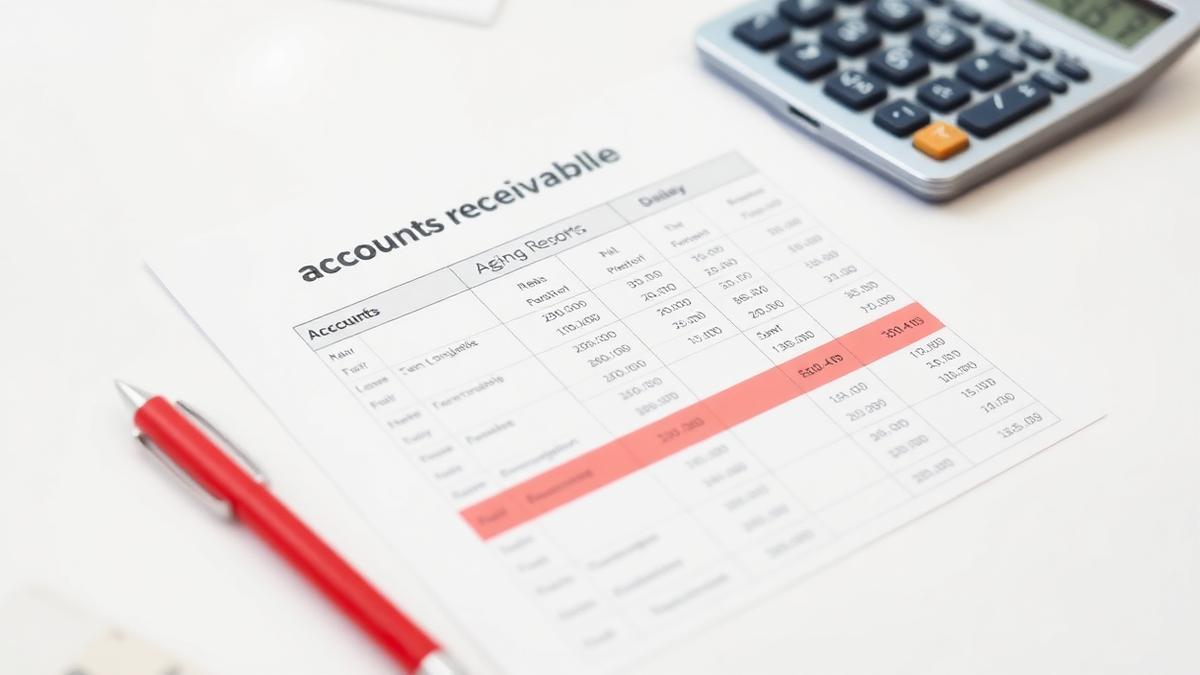
An aging report sorts unpaid invoices by how long they have been outstanding. Most reports in QuickBooks Online, Xero and similar tools use five buckets, counted from the invoice date or the due date. Check which one your report uses, or the ages will not mean what you think they mean.
Current
These invoices are not yet due, or they are due today. This is normal outstanding revenue. Still confirm each invoice went out and that the amount and terms are right.
1–30 days
The invoice has just slipped past the due date. A short, polite reminder is usually enough. Many customers pay after the first nudge, especially if the invoice never reached the right person.
31–60 days
This is where “we’ll get to it” often means the invoice is sitting in someone’s inbox. Email or call a named contact, resend the invoice and payment details, and ask for a payment date you can write down.
61–90 days
Collections get harder from here. Confirm there is no dispute, missing purchase order or billing error on your side. If the work was accepted, agree on a payment plan or a firm date, and follow up in writing.
90+ days
These balances need a decision, not another generic reminder. Have a realistic plan to collect, put new work on hold, or document why the invoice is still open so your year-end files are clear. Do not leave 90-day-plus invoices unexplained when you close the year.
Set 7, 14 and 30-day reminder habits
Waiting until a balance is 90 days old is expensive. Set a simple cadence, whether you send reminders yourself or your bookkeeping software does it.
- Day 7 after the due date. Send a short reminder with the invoice attached and a link or instructions to pay.
- Day 14. Send a second note, and call if the balance is large enough to matter. Ask whether anything is missing from their end.
- Day 30. Have the owner or accounts lead follow up more firmly. Confirm the amount, the missed due date, and what happens next if payment does not arrive.
Log every contact on the invoice or customer record so anyone who picks up the file can see what was already said. Send invoices the same day the work is delivered or the period closes, and state payment terms clearly. Late reminders cannot fix invoices that went out two weeks late.
Clear old invoices before year-end
Year-end is when unpaid invoices start to distort both your cash and your books. Before December gets busy, tie the aging report to your receivables account so the totals match, then fix errors such as duplicate invoices, unapplied credits, or payments sitting in undeposited funds.
Chase every balance you still expect to collect, starting with the largest 90+ and 61–90 day items. For the rest, write down a plan: a settlement, a payment schedule, or a note that the item is in dispute. If a customer is still buying from you while older invoices sit unpaid, pause new work or move them to shorter terms.
The goal is not a zero receivables balance on December 31. It is a report you can explain, a collection plan that is already in motion, and as much cash in the bank as you can reasonably collect before the holidays.
A practical year-end AR checklist
- Run a current accounts receivable aging report and confirm the total ties to your balance sheet.
- Review every bucket, starting with 90+ days, then 61–90, then 31–60.
- Fix billing errors, unapplied payments and credits first, so you are not chasing the wrong amount.
- Put 7, 14 and 30-day reminders on a set schedule, and record each follow-up.
- Call the largest past-due customers this week and ask for a payment date.
- Decide what to do with each old invoice — collect, settle, or hold and review — and write that decision down.
- Review terms and credit limits for customers who are consistently late, then re-run the report before year-end close.
FAQ
What is an accounts receivable aging report?
It is a list of unpaid customer invoices grouped by age, usually current, 1–30, 31–60, 61–90 and 90+ days. It shows who owes you, how late each balance is, and where to focus collection work.
When should a small business run an AR aging report?
At least monthly, and weekly in the weeks leading up to year-end. Run it after you have applied recent payments, so the buckets reflect what is actually outstanding.
What should I do with invoices that are more than 90 days old?
Review each one. If it is collectible, call the customer, agree on a payment date or plan, and follow up in writing. If there is a dispute or an error, fix the invoice first. If collection looks unlikely, document the status with your bookkeeper so the year-end files are clear.
How do 7, 14 and 30-day reminders help cash flow?
Most late invoices are not refused; they are forgotten or stuck in an approvals queue. Reminders at 7 and 14 days, and a firmer follow-up at 30 days, bring those payments in earlier and keep fewer balances from sliding into the 90-day bucket.
Want help cleaning up receivables before year-end?
Remote Books handles accounts receivable, collections support and monthly bookkeeping for businesses in Canada and the U.S. If you want a clean aging report and a simple follow-up routine before you close the year, learn more at www.remotebooks.ca or email contact@remotebooks.ca.
Want this handled for you?
Our CPA-supervised team keeps books current, filings on time and reporting predictable.